

 Follow the courts
 Listen to reports
 Save for later


Follow the courts
From the Supreme Court to the High Courts you follow.

Download now, it’s free!
Available on iOS & Android


What's inside
From the Supreme Court to the High Courts you follow, every report is a tap away, and yours to read, hear or keep.
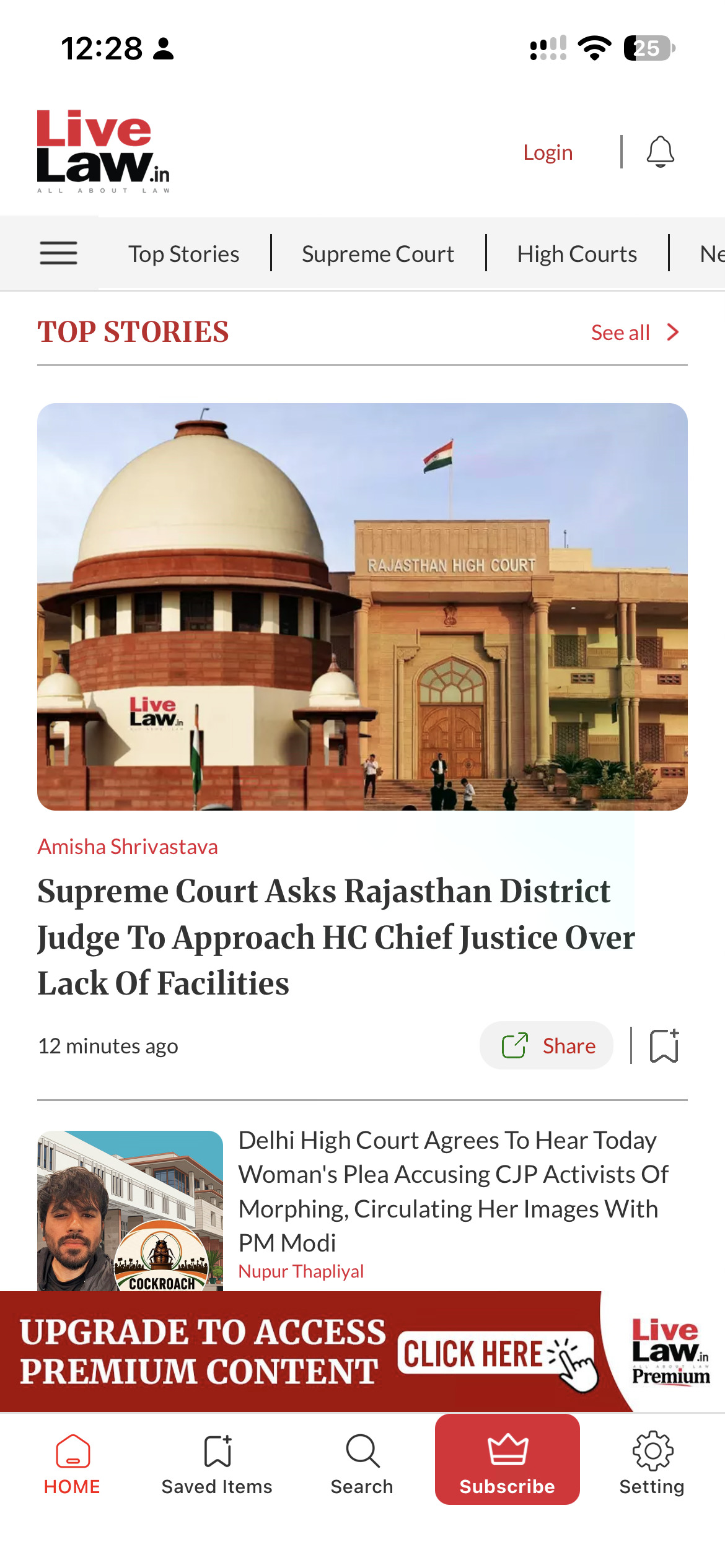
From the Supreme Court to the High Courts you follow.
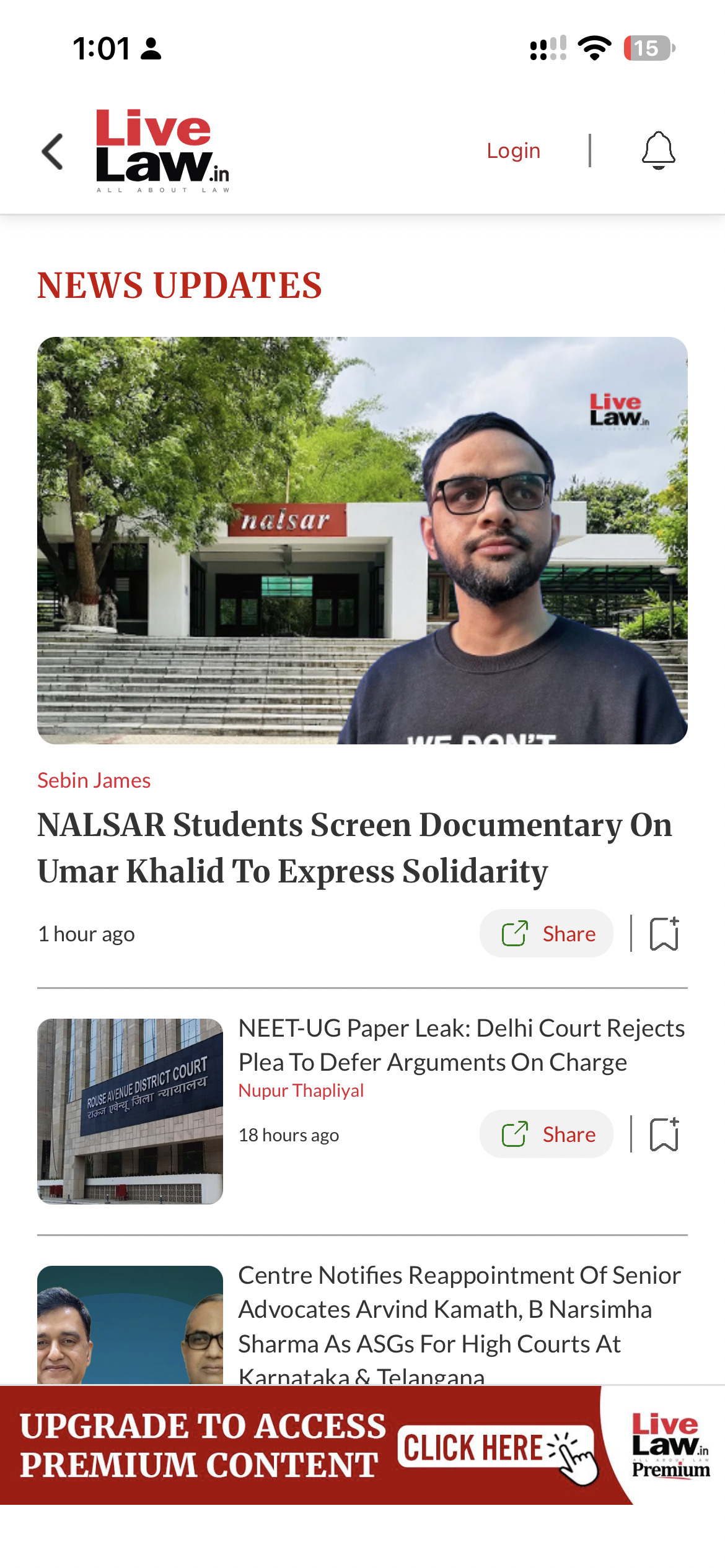
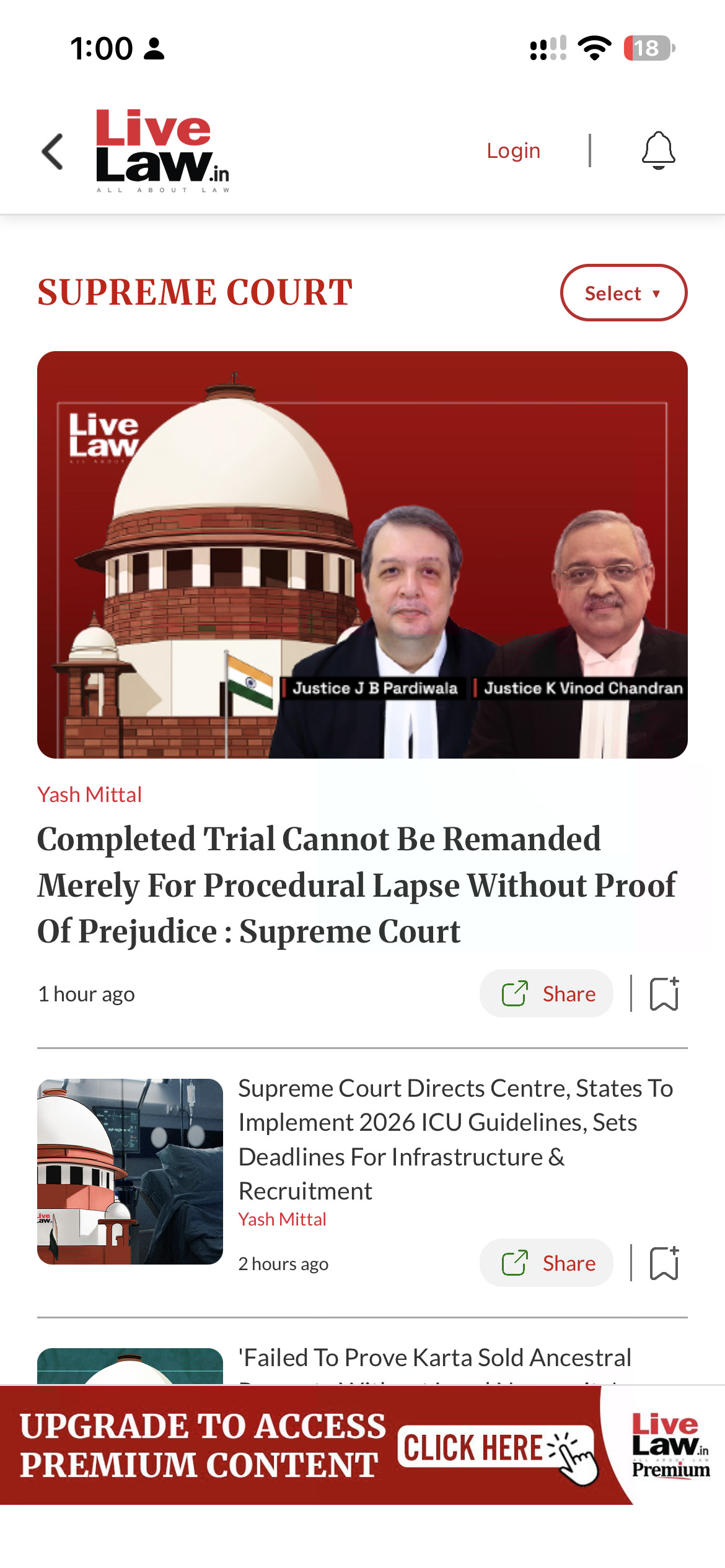
Save stories, share reports or listen to an article.
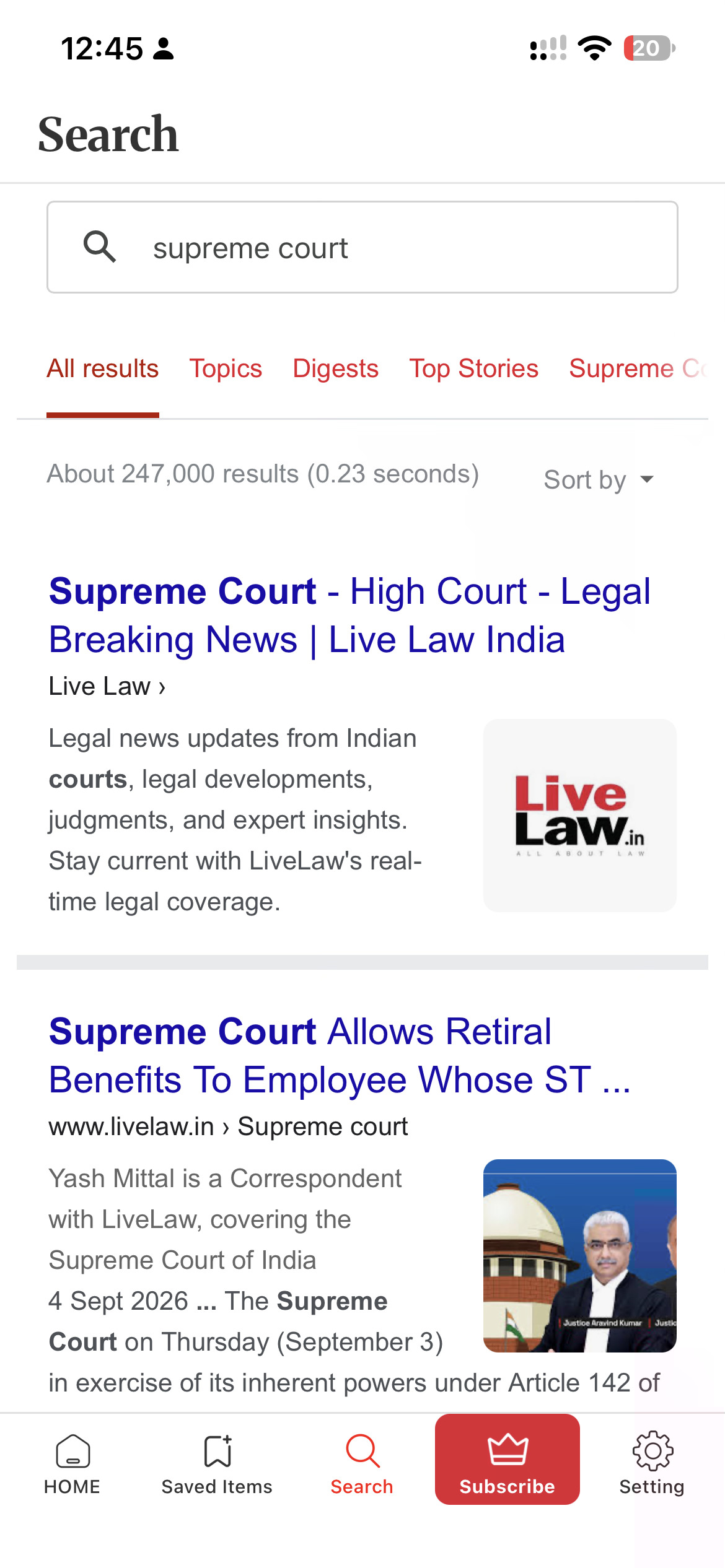
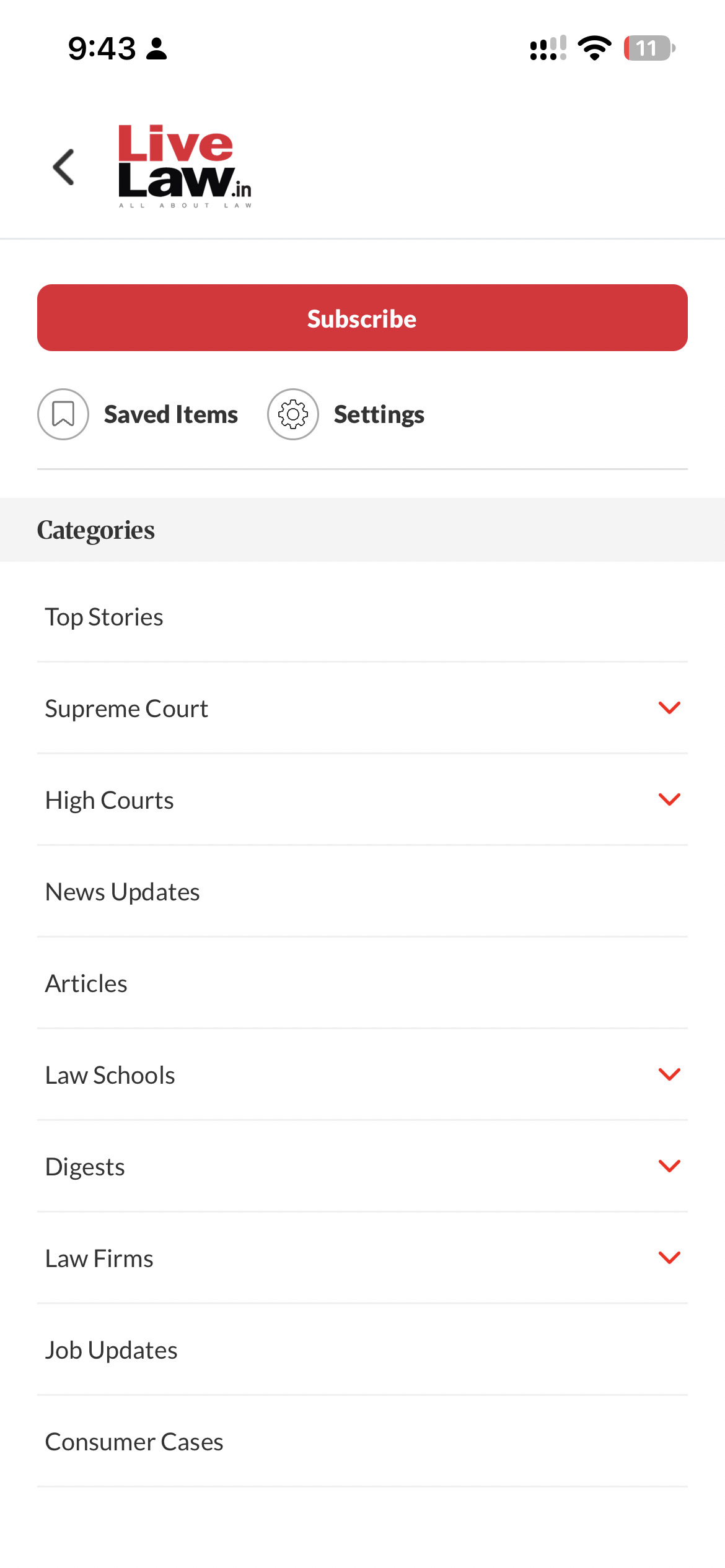
Browse topics across India's legal landscape.
Adjust notifications, night mode and font size.
Built around what matters to you
Go straight to the reporting you need, from court updates to the practice areas you work in.
Open High Courts and select the court whose reporting you want to read.
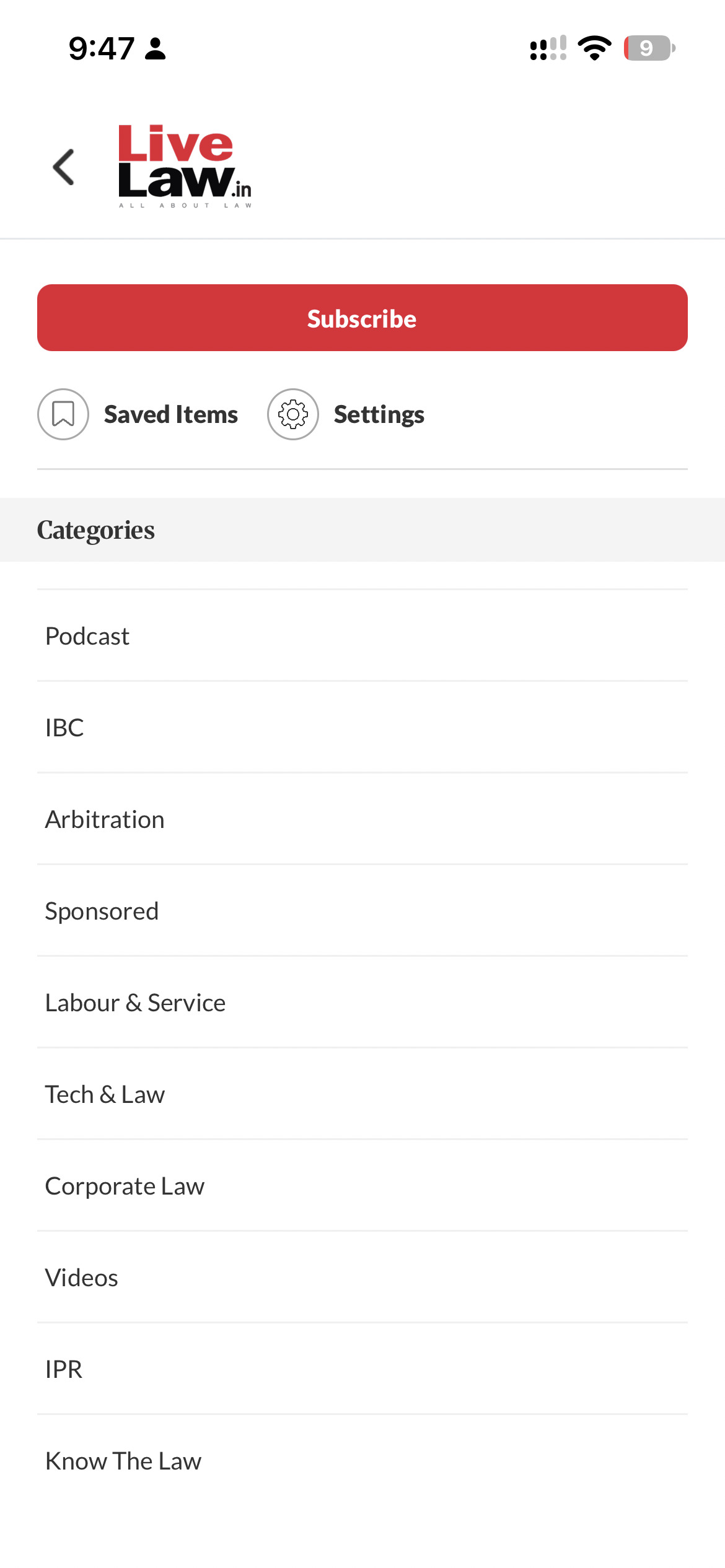
Browse arbitration, IBC, labour, corporate law, podcasts and videos.
Have a topic in mind? Tap search in the bottom navigation to begin.
Reporting that fits your day
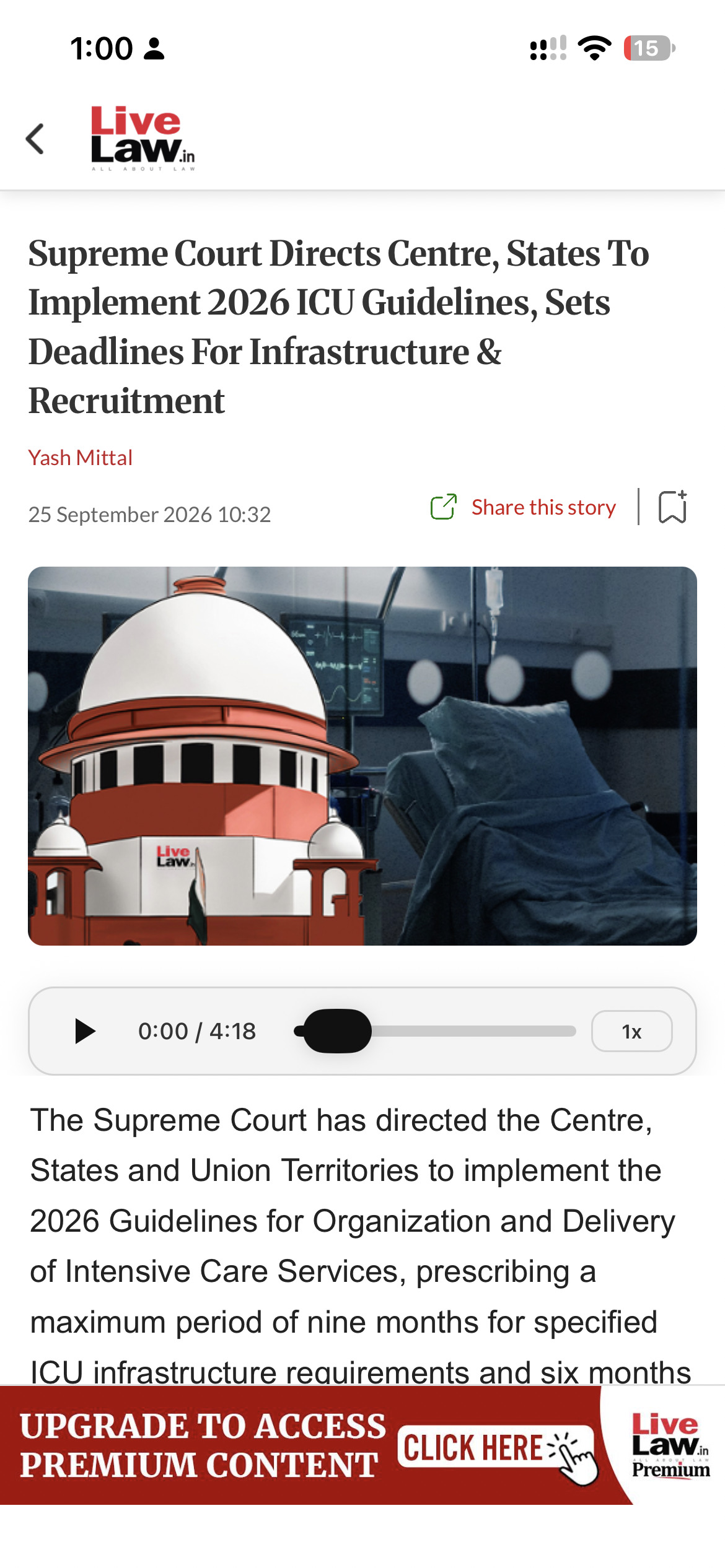
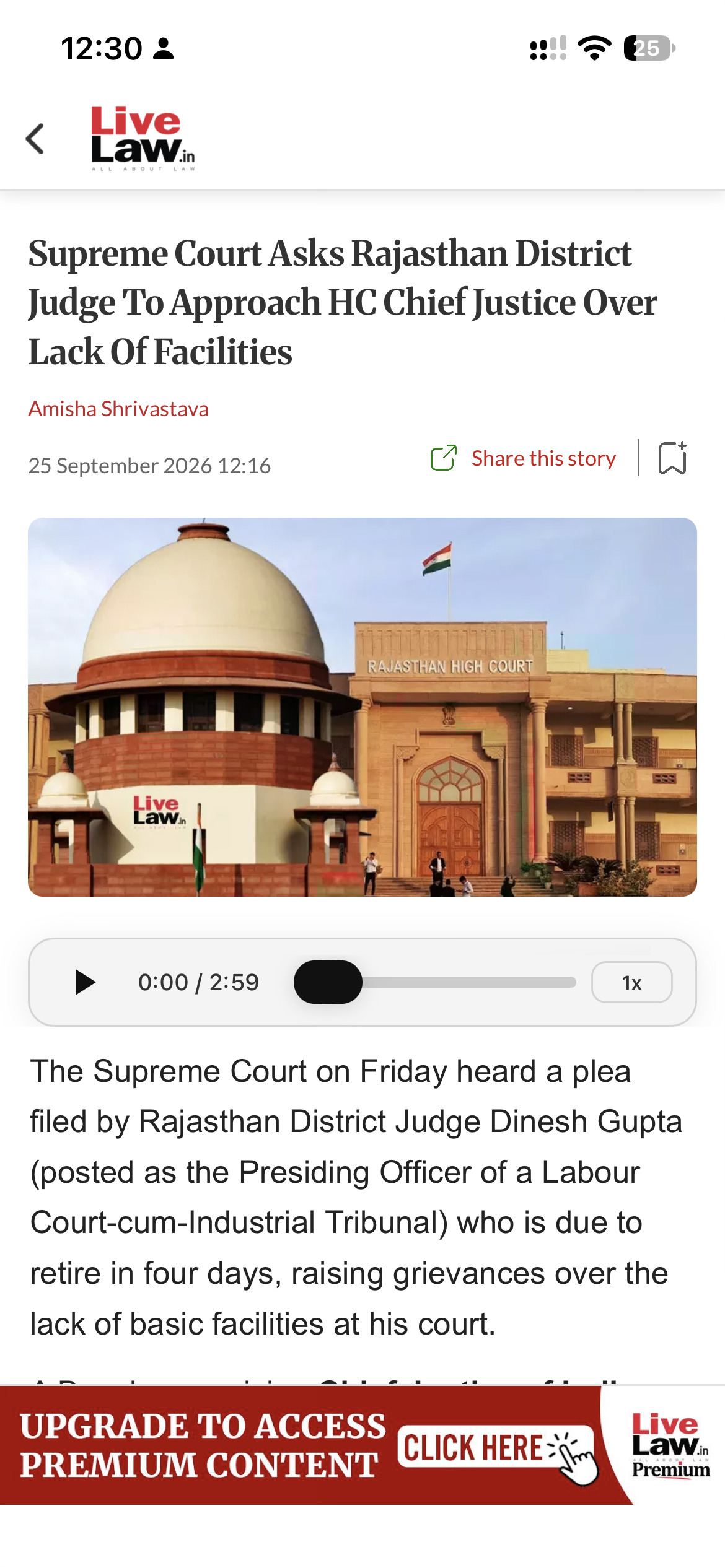
Follow the report in full, listen while you're on the move, or save it for a quieter moment.
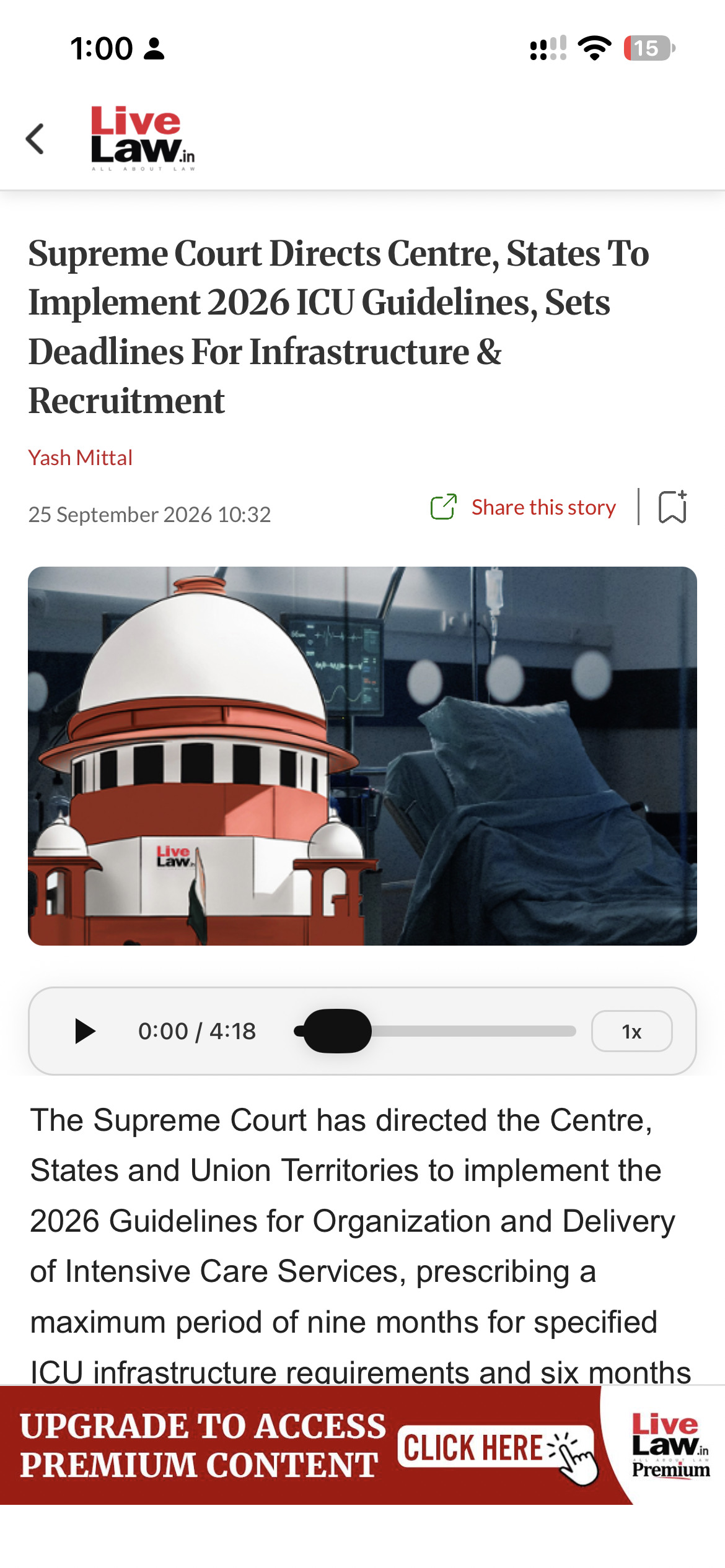
Use the bookmark to save a report. Tap share this story to pass it to a colleague.
Listen from the article’s audio bar, move through the recording and adjust playback speed.
Open saved Items or saved stories to revisit your bookmarked reports.

Read & listen
A little more you
A few simple settings help LiveLaw fit your day.

Turn news notifications on or off.

Switch to night mode when you prefer.

Choose a font size that feels comfortable.

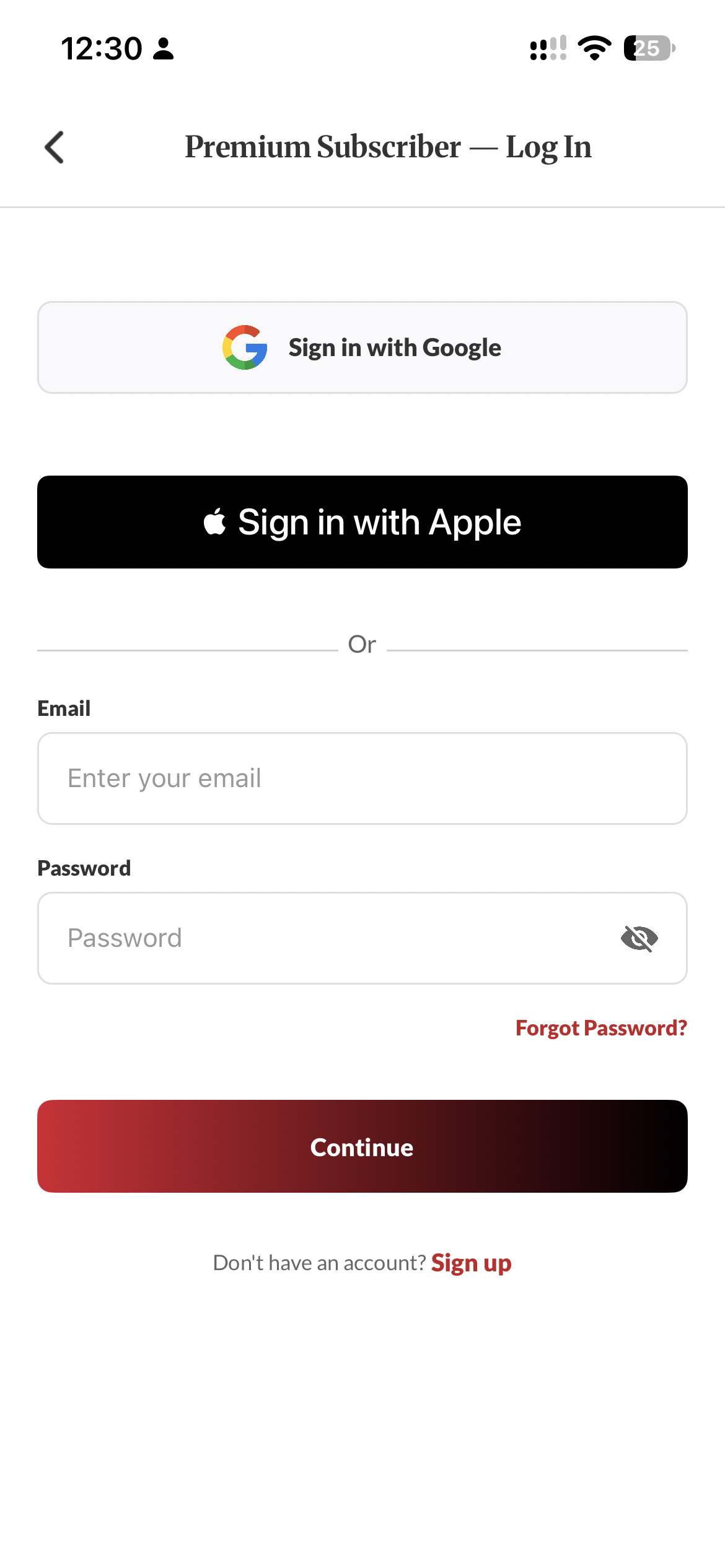
Sign in to your subscriber account.
Screens shown are from iOS. Layouts and available options may vary by platform and app version.


More from LiveLaw
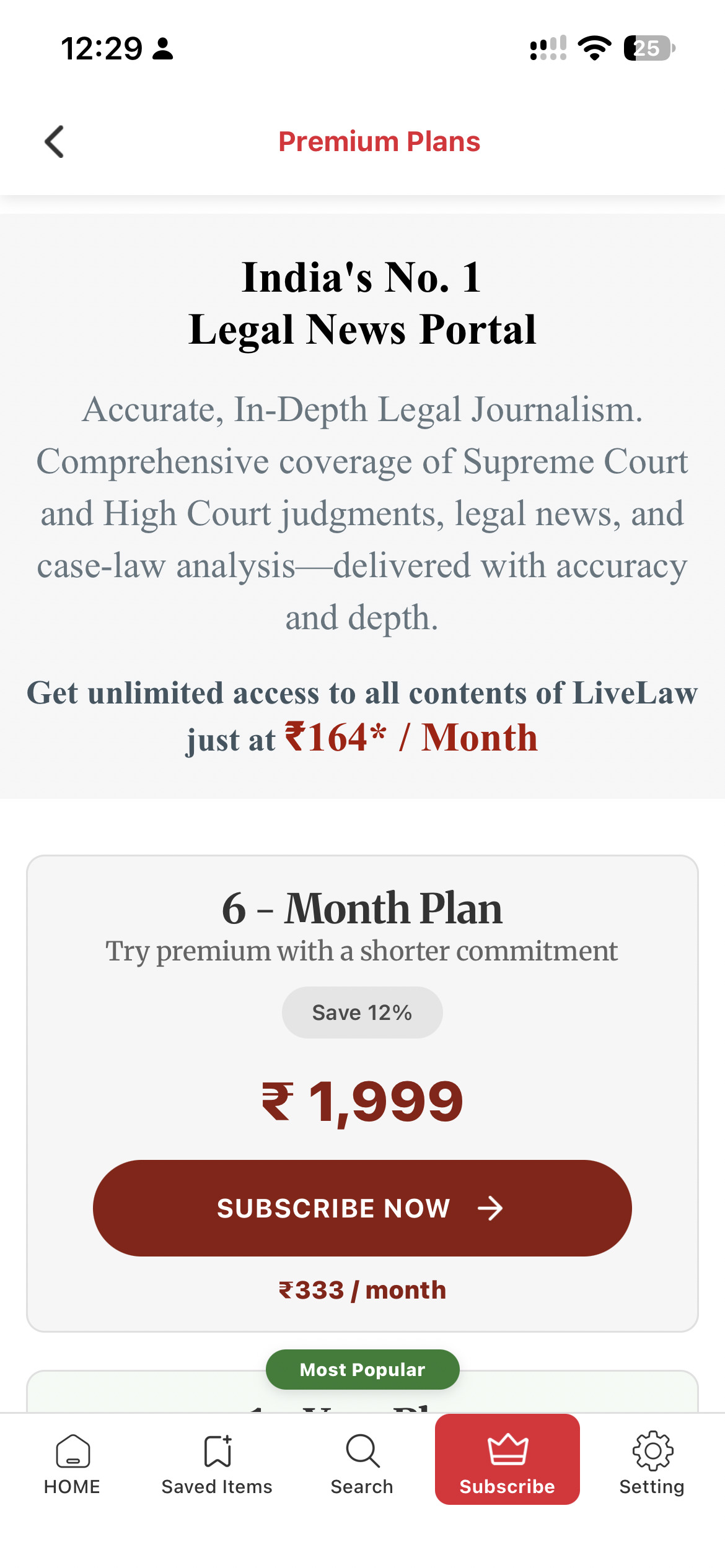
Tap subscribe in the app to view available plans and premium access.
Check the current price and terms before subscribing.
Take LiveLaw with you
Download the app. Explore the law. Stay informed.
Available for iOS & Android


 Notifications
 Night Mode

